CPU Overclocking. Finds a faster stable speed for your Intel or AMD processor, and stress-tests it on your hardware before applying it.
Hypertune is a game optimizer and FPS booster for Windows. It partners with Intel and AMD, supports NVIDIA GPUs, and applies only the features you turn on. Users see up to 60% higher FPS.
Boost my performance Limited time offer, Annual plan50% OFFClaim nowProblem
Introducing Hypertune
CPU Overclocking. Finds a faster stable speed for your Intel or AMD processor, and stress-tests it on your hardware before applying it.
GPU Overclocking. Push your graphics card beyond stock speeds by fine-tuning clock, memory clock, voltage, and power limits for smoother performance.
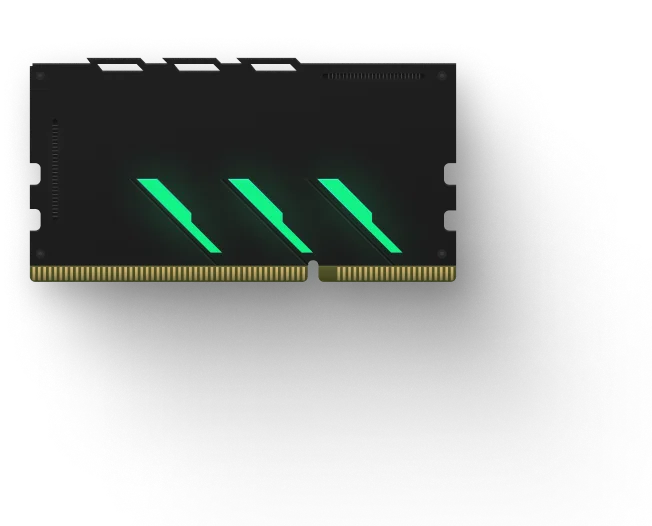
Memory Optimization. Optimizes your RAM to run at optimal speeds and reducing latency.
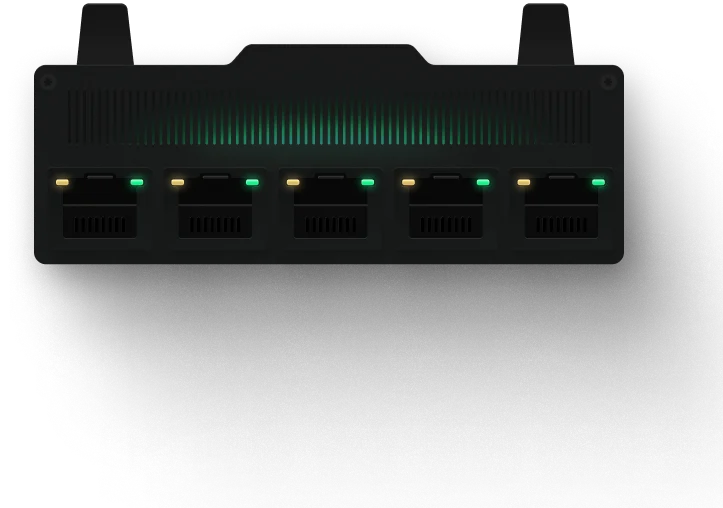
Network Optimization. Optimizes your network settings to improve speeds and reducing lag.
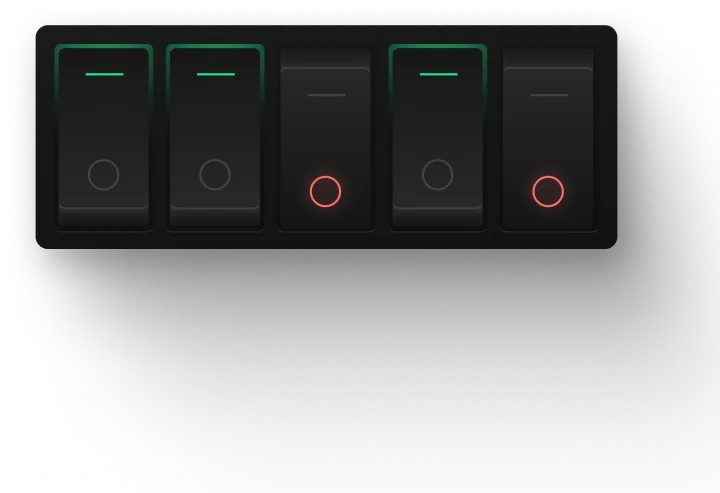
Selective Features. Allows you to choose which features to optimize to customize your experience.
Users see up to 60% higher FPS
No BIOS, no setup, no guesswork
Remove unnecessary processes
Hypertune safely optimizes your PC on hardware level, without triggering any anti-cheat.
 30-200
Anti-cheat trusted by Riot, EAC, BattlEye, Valve, and more!
Nothing is permanent. Roll back any or all tweaks in one click.






Packed with features
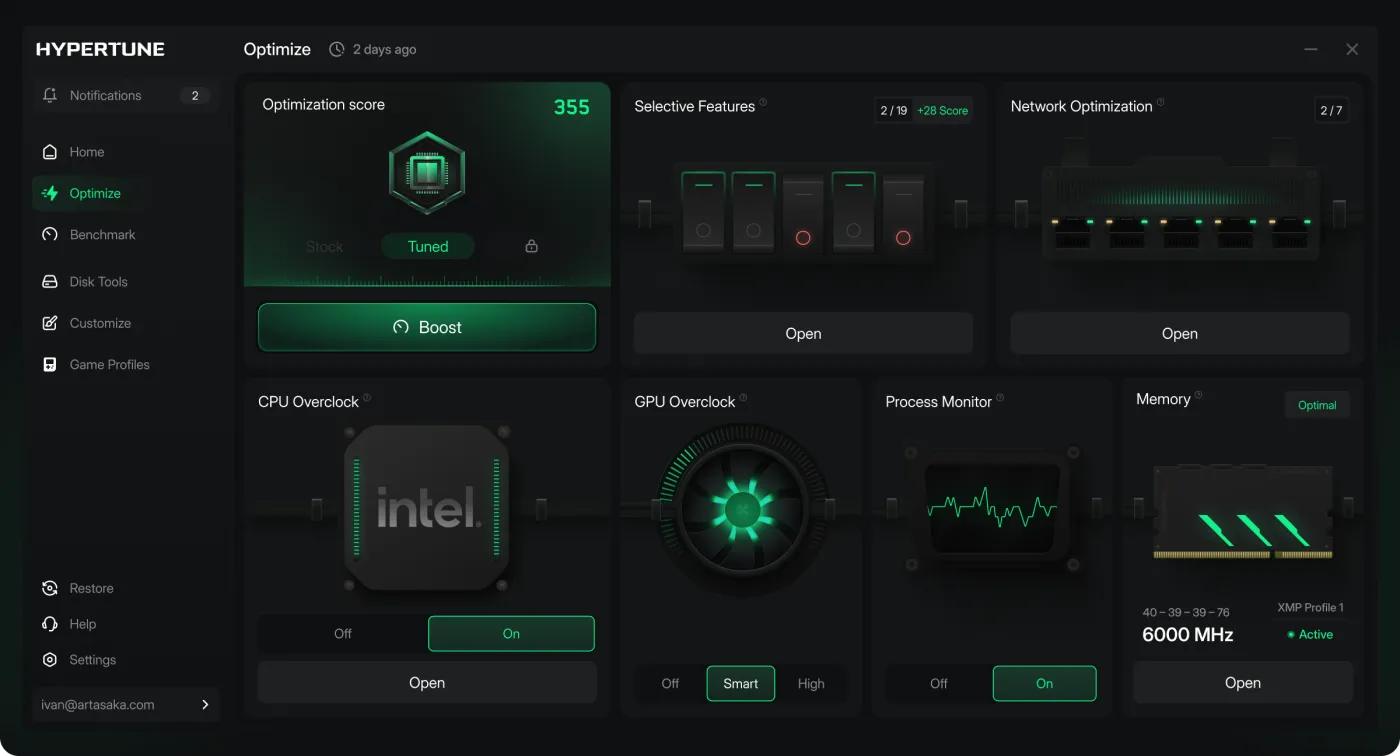
The Optimize tab puts CPU Overclocking, GPU Overclocking, Memory and Network Optimization side by side, each with its own switch.
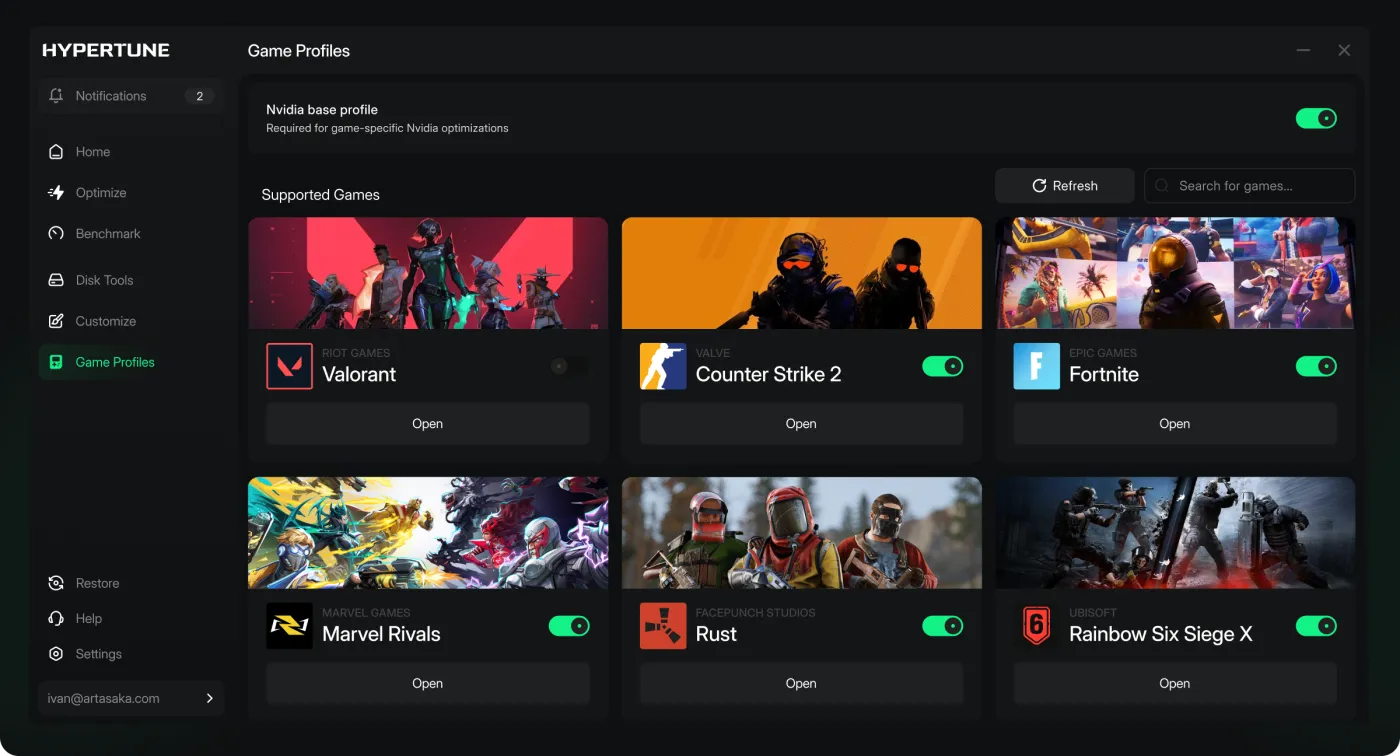
Game Hub has a profile for each supported game, including Valorant, Counter-Strike 2, Fortnite, Marvel Rivals, Rust and Rainbow Six Siege X. Switch on the games you play.
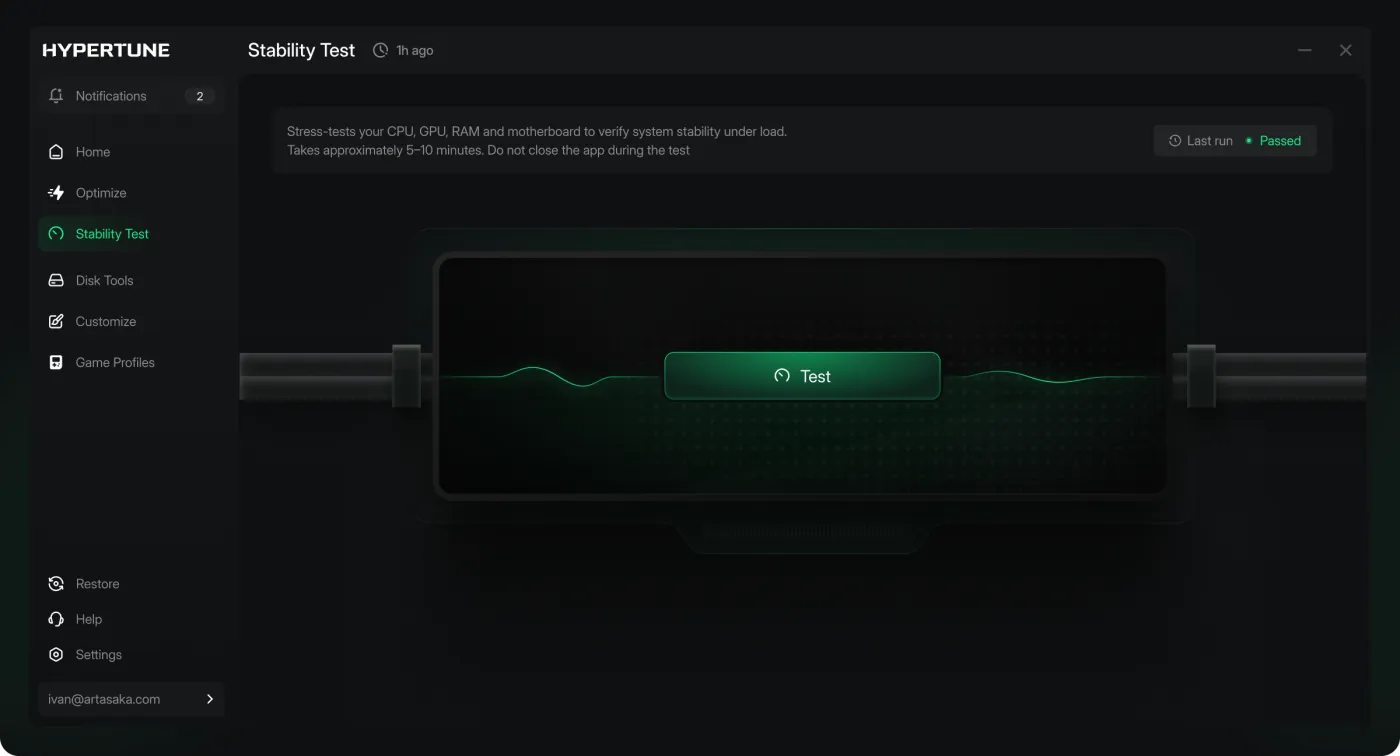
Stability helps you keep your system running smoothly and efficiently.
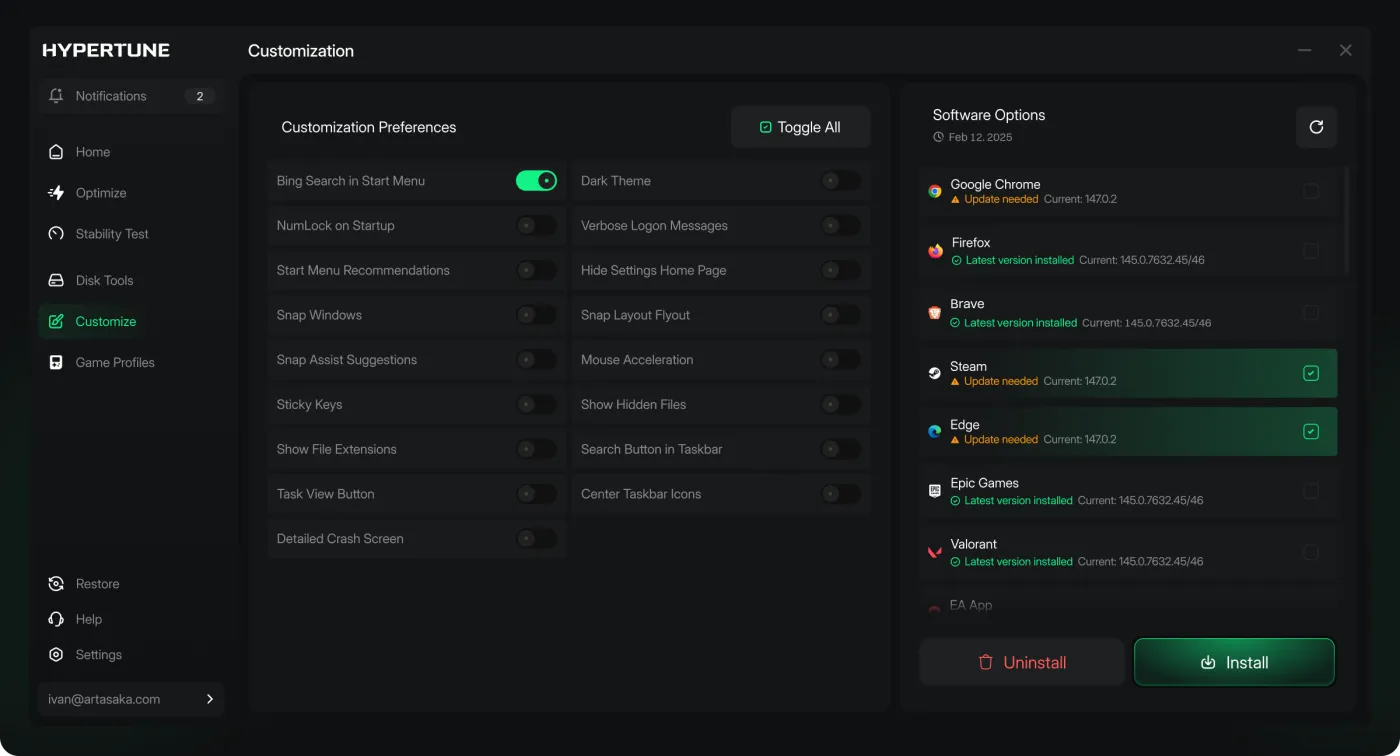
Customization holds personal preference settings. Switch Windows settings like Bing Search in Start Menu or Sticky Keys on or off one at a time, and update apps like Steam from the same screen.
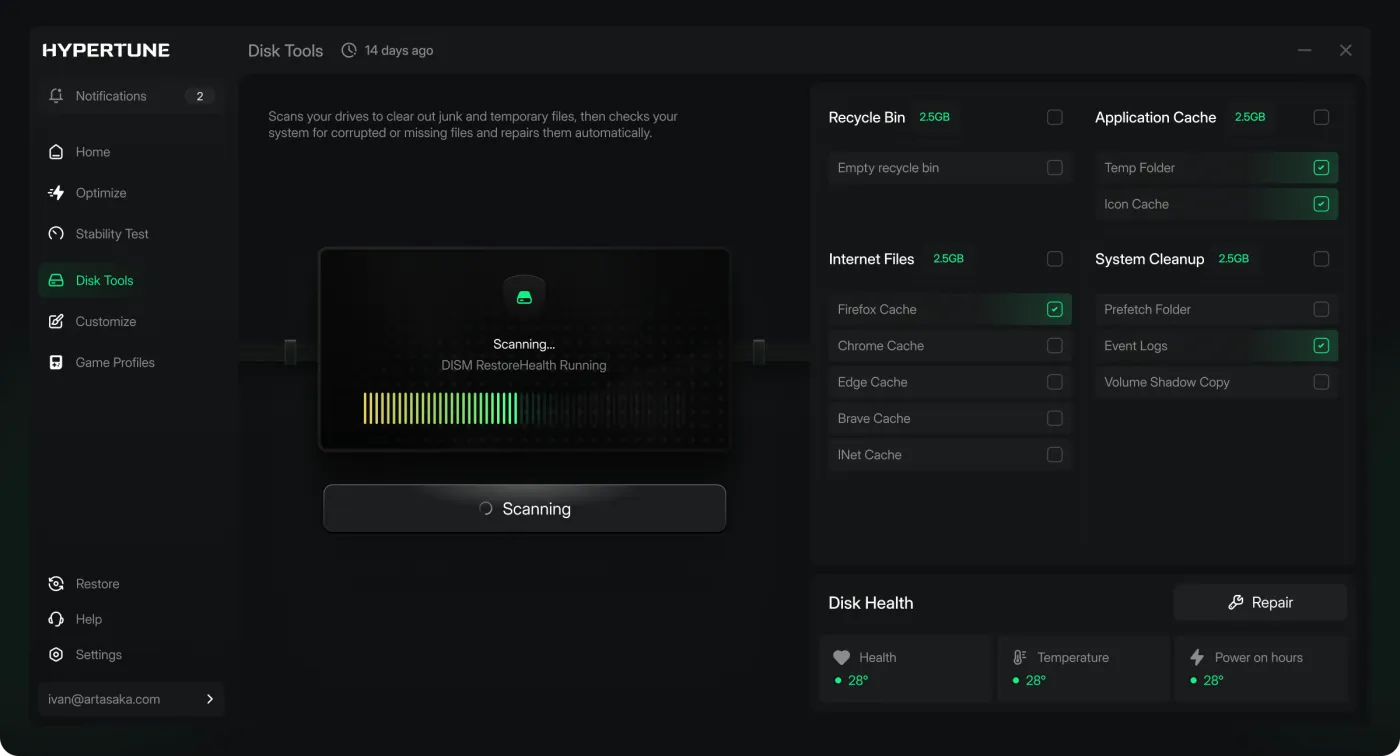
Disk Tools helps you clean up your disk and improve your system performance.
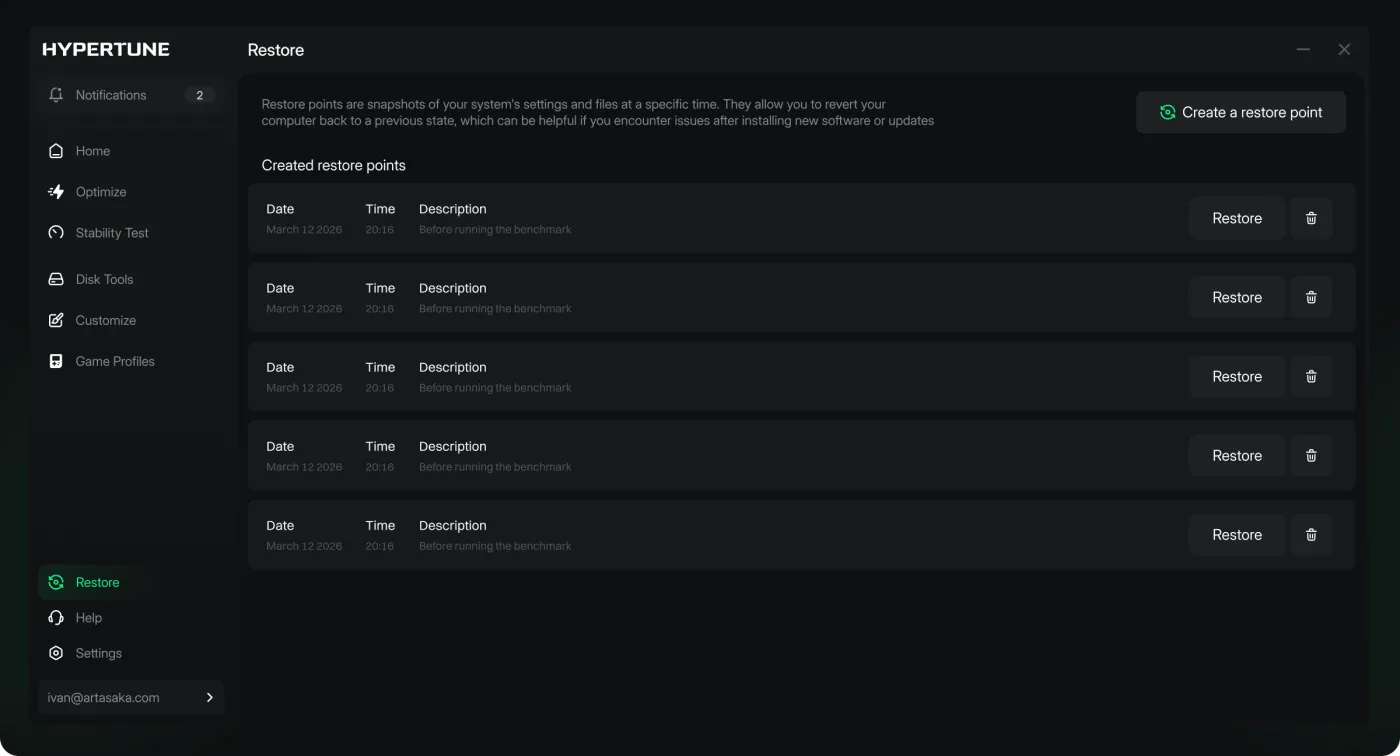
Restore Point allows you to restore your system to a previous state, allowing you to revert any changes you have made.
Pricing
Unlock your PC's Performance
Cancel anytime. 7 day money-back guarantee
How it works
Lightweight installer, zero bloat. You're up and running in under a minute.
We read your hardware, drivers, and Windows config to find what's choking your frames.
Install in seconds and scan your system for instant performance improvements.
Three decades of performance experience, in one click, fully reversible and anti-cheat safe.


We collaborate closely with chipmakers, gaining unique access to performance data that underpins all of Hypertune's capabilities.
See how Hypertune optimizes your PC for gaming
Your FPS ceiling just moved.
FAQ
Yes. High-end parts still run under default Windows and stock clocks. Hypertune applies only the features you turn on, stress-tests overclocks on your hardware, and skips anything your cooling cannot hold. Users see up to 60% higher FPS.
Hypertune is a subscription. Windows updates and game patches change often, and Hypertune updates its tuning so your PC stays current. Every plan includes a 7-day money-back guarantee on your first payment.
Every plan comes with a 7-day money-back guarantee. If you're not satisfied, request a full refund within 7 days of your first payment.
No. Game Hub profiles change in-game settings through each game's config files, which is the only way to change them, and that is all they change. Hypertune makes no unsafe changes.
No. Hypertune applies only the settings you turn on, creates a restore point, and lets you revert from the Restore tab in one click. Hypertune makes no unsafe changes.
No. Once optimizations are applied, Hypertune uses very little CPU and RAM, so your games keep the rest.
Yes, when you turn on CPU Overclocking or GPU Overclocking. Hypertune partners with Intel and AMD, and supports NVIDIA GPUs. It stress-tests each overclock on your hardware and skips it if your cooling cannot hold it.
Hypertune applies only the settings you turn on. You can revert them in the app. Hypertune makes no unsafe changes.
Hypertune is a standard Windows application, installed with hypertune-setup.exe. You can remove it from Windows the same way you remove any other app. You do not need a separate removal tool.
Open Hypertune and revert the optimizations you applied. The app can undo those changes with a single click. Do this before you uninstall if you want Windows and hardware settings returned to how they were.
Removing the app does not cancel your Hypertune subscription. To stop billing, cancel from your account on hypertune.gg.
Restart your PC, then open Apps again and look for Hypertune. If it is still there, repeat the uninstall steps for your version of Windows.
If you need help removing Hypertune, contact us at:
COMPREADY Inc. support@hypertune.gg
Hypertune is a game optimizer for Windows, made by COMPREADY Inc. It reads your hardware once, then tunes your CPU, GPU, memory, network and Windows settings, applying only the optimizations you turn on.
Sign up at hypertune.gg with an email and password, Google or Discord. Once you're logged in, click the Windows installer and the download starts. Run the file and allow admin rights when Windows asks, then Hypertune scans your CPU, GPU, memory and storage to build your profile. The full walkthrough is on the tutorial page.
$9.99 a month, or $69.99 a year (shown against $119.88). If you already pay a yearly price, you keep it. Your first payment comes with a 7-day money-back guarantee. See Hypertune pricing.
Hypertune only applies what you turn on, and has no compatibility issues. It also creates a Windows restore point. To put everything back, open the Restore tab in the app, pick your most recent restore point and select Restore. For more on safety, refunds and who makes Hypertune, see Is Hypertune safe?
Hypertune runs on Windows PCs with Intel or AMD processors and supports NVIDIA GPUs. It scans your hardware once and builds a profile for that setup. Users see up to 60% higher FPS.
Sign in at hypertune.gg and cancel from your account at least 24 hours before your renewal date. Uninstalling the app does not cancel your subscription. For a refund within 7 days of your first payment, email info@hypertune.gg with your name, purchase date and order details.
Get direct support, updates, and real-world tuning advice from 10,000+ gamers and the team behind Hypertune.
Join Discord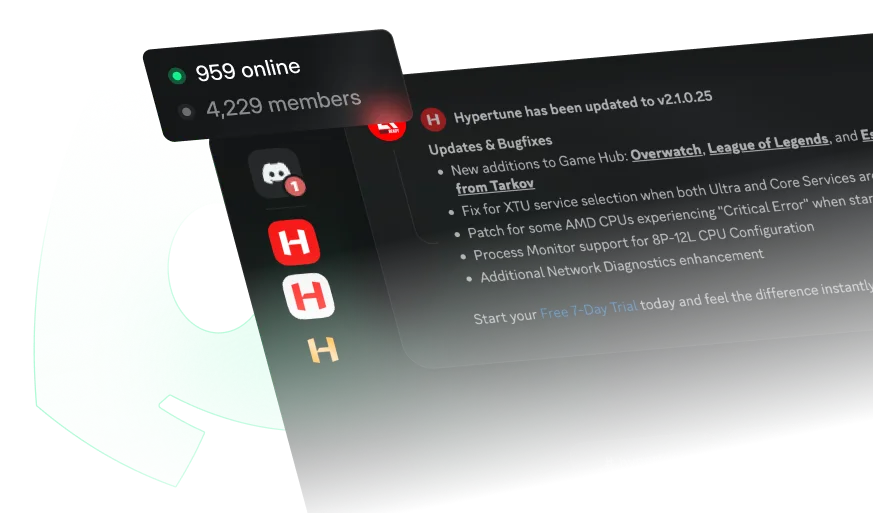

Convert on your influence with your community into long term recurring revenue
Apply
We're building the future of PC performance for the generations ahead. If you want in, we want to hear from you.
Apply